
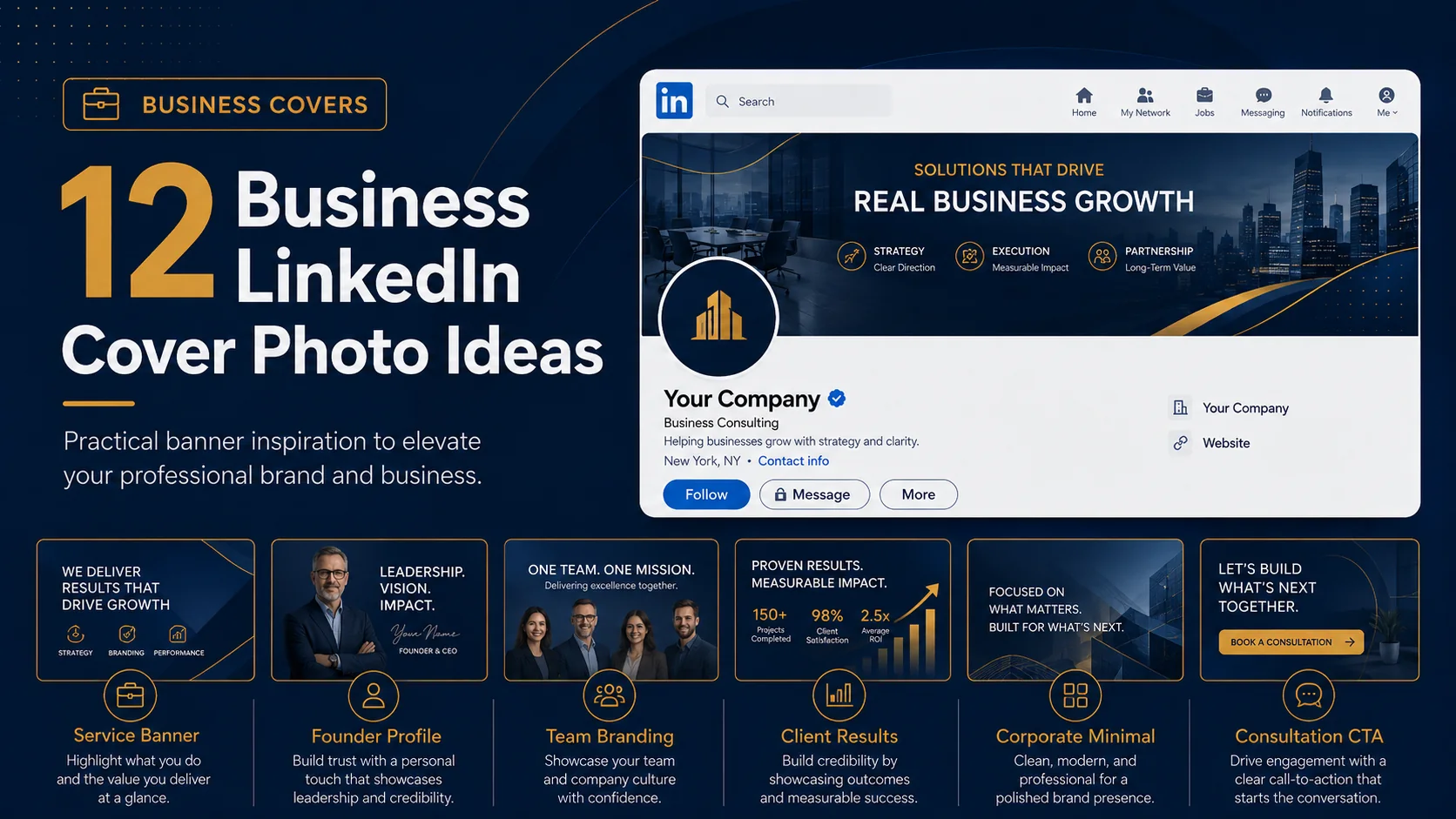
Your LinkedIn cover photo is valuable business real estate. It sits above your headline, profile photo, company name, and activity, which means it can help people understand your business before they read the rest of your profile.
A business-focused LinkedIn banner should be clear, confident, and useful. It can show what you do, who you help, what result you deliver, or why people should trust you. It can also make your profile look more established.
Here are business LinkedIn cover photo ideas you can use for personal profiles, company pages, service brands, consultants, founders, agencies, and professional teams.
Quick ideas in this guide
- 1. Clear service statement
- 2. Founder profile banner
- 3. Company credibility cover
- 4. Client result focused design
- 5. Industry-focused banner
- 6. Consultation call banner
- 7. Team branding cover
- 8. Agency service banner
- 9. Professional headshot layout
- 10. Trust badge style
- 11. Product or offer banner
- 12. Corporate minimal cover
Before you choose a LinkedIn cover photo style
Before picking any visual direction, think about what you want your LinkedIn profile to communicate. A banner should not only look attractive. It should help visitors understand your personality, industry, value, or brand position quickly. The best designs usually have one clear message, strong spacing, readable text, and a visual style that matches the rest of the profile.
1. Clear service statement
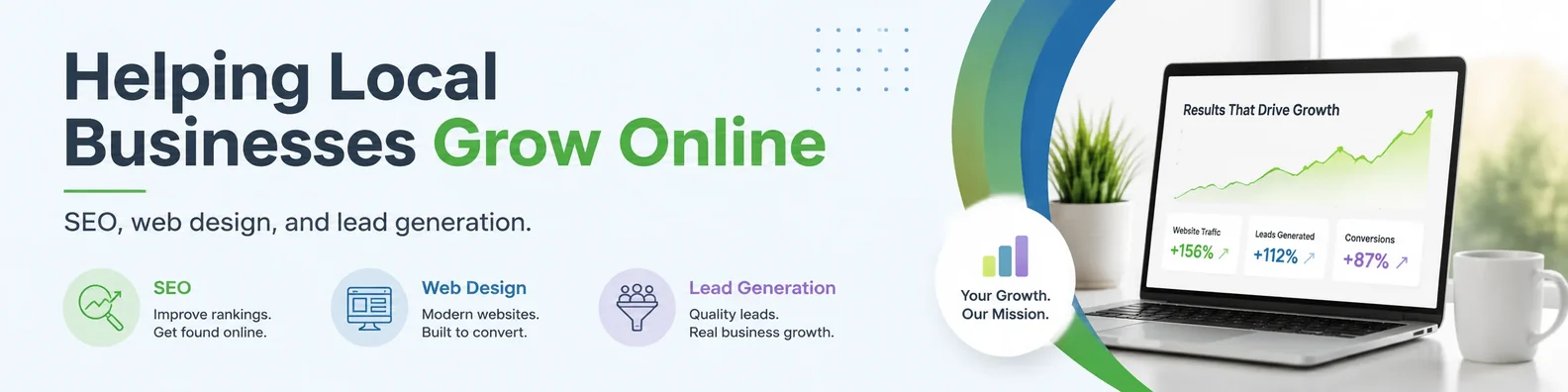
A simple service statement can immediately explain what you offer. This is especially useful for consultants, freelancers, agencies, and small business owners. Instead of using a vague background image, use the banner to say exactly how you help.
Design tip: Example: “Brand Strategy and Web Design for Service Businesses.”
2. Founder profile banner
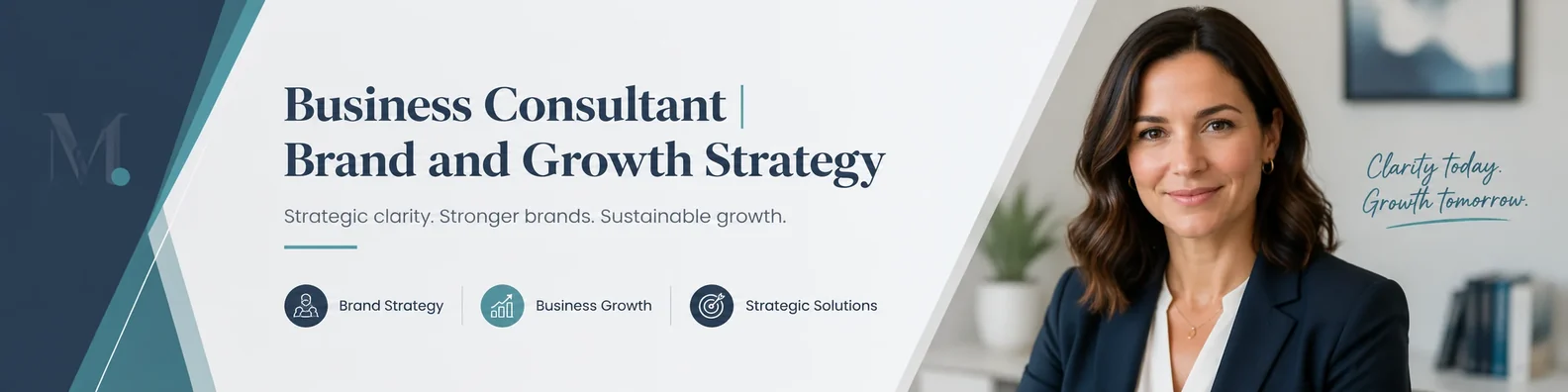
Founders can use the cover photo to connect their personal profile with their company mission. Add your role, short value statement, company name, and a simple visual that matches the brand.
Design tip: Keep the founder message focused on value, not just your title.
3. Company credibility cover
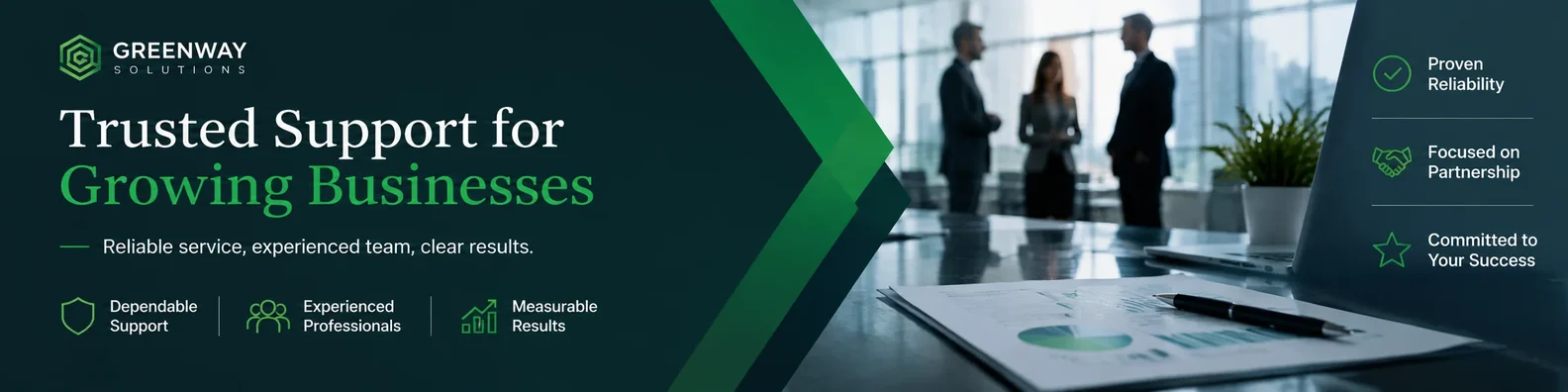
A credibility-focused banner can include your company tagline, core service, years of experience, or a simple trust message. This works well for B2B services where visitors need to feel confident before reaching out.
Design tip: Avoid stuffing the banner with too many proof points. One strong trust message is enough.
4. Client result focused design
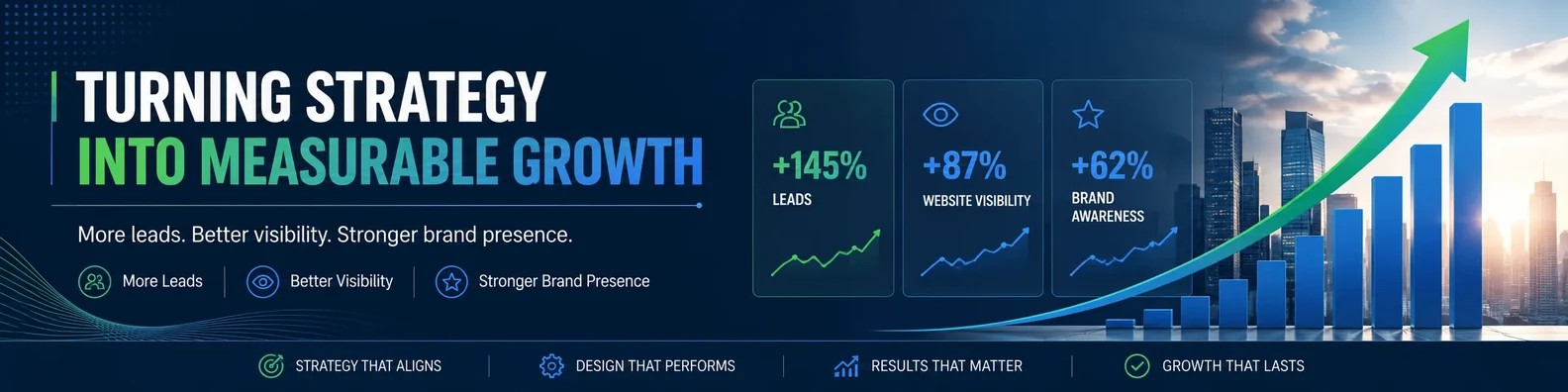
Instead of only saying what you do, focus on the result clients want. This can make your profile more persuasive. For example, a marketing consultant could focus on leads, visibility, or growth.
Design tip: Use a headline like “Helping Local Businesses Turn Traffic Into Leads.”
5. Industry-focused banner

If your business serves one industry, show it clearly. Medical consultants, real estate professionals, logistics companies, legal marketers, and SaaS providers can all use industry visuals to make the profile instantly relevant.
Design tip: Use industry cues without making the design look like a stock photo collection.
6. Consultation call banner
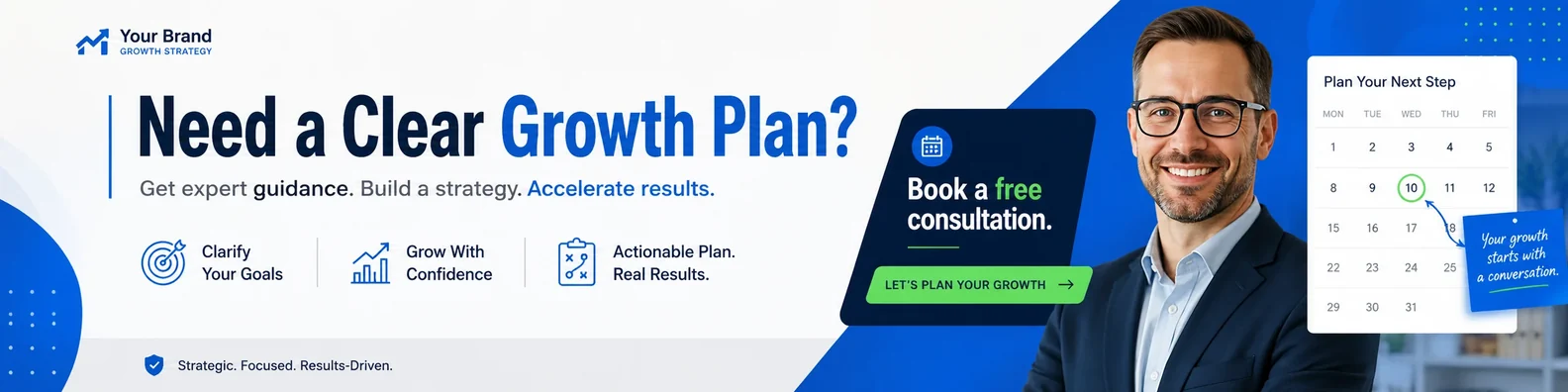
A banner with a simple CTA can encourage the right people to take action. Use this if your profile is part of your lead generation process.
Design tip: Examples include “Book a Strategy Call,” “Let’s Connect,” or “Visit Our Website.”
7. Team branding cover
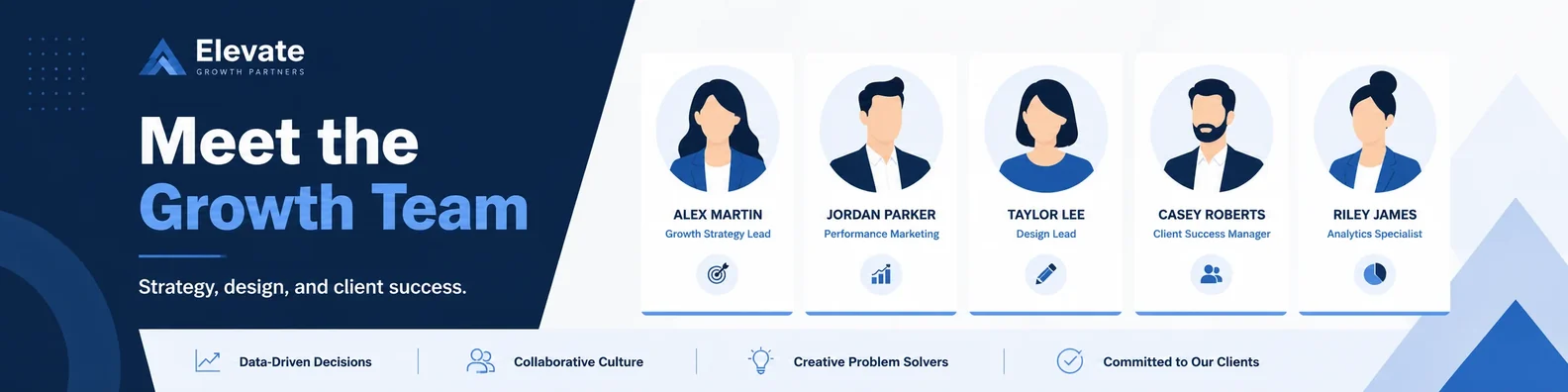
If your business has a sales, leadership, or support team, matching LinkedIn cover photos can make the company look more organized. This is useful for agencies, startups, real estate teams, and professional service firms.
Design tip: Create one template and adjust names, roles, or departments.
8. Agency service banner
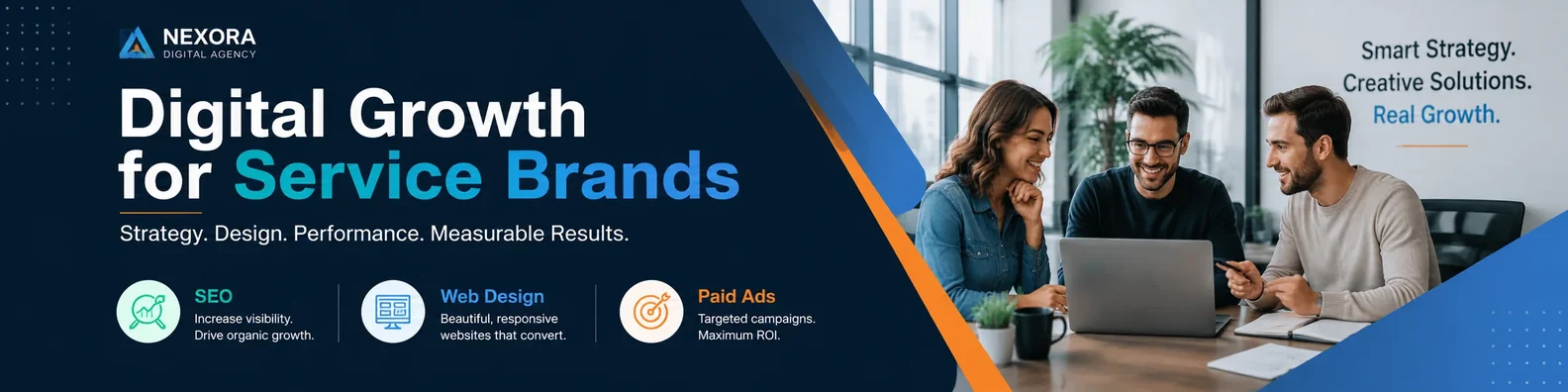
Agencies can use a clean three-column layout to show their main service categories. This helps visitors understand the offer quickly without reading the full About section.
Design tip: Use short labels like SEO, Web Design, and Paid Ads.
9. Professional headshot layout
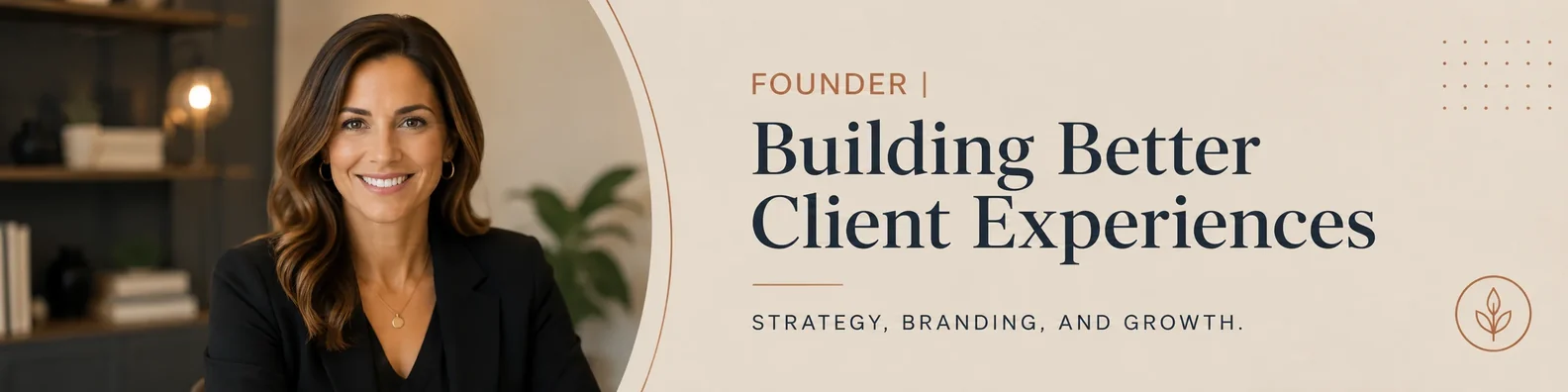
A personal business banner can include your headshot, short headline, and brand colors. This is useful for coaches, consultants, speakers, and personal brands.
Design tip: Make sure the cover image does not compete with your LinkedIn profile photo.
10. Trust badge style
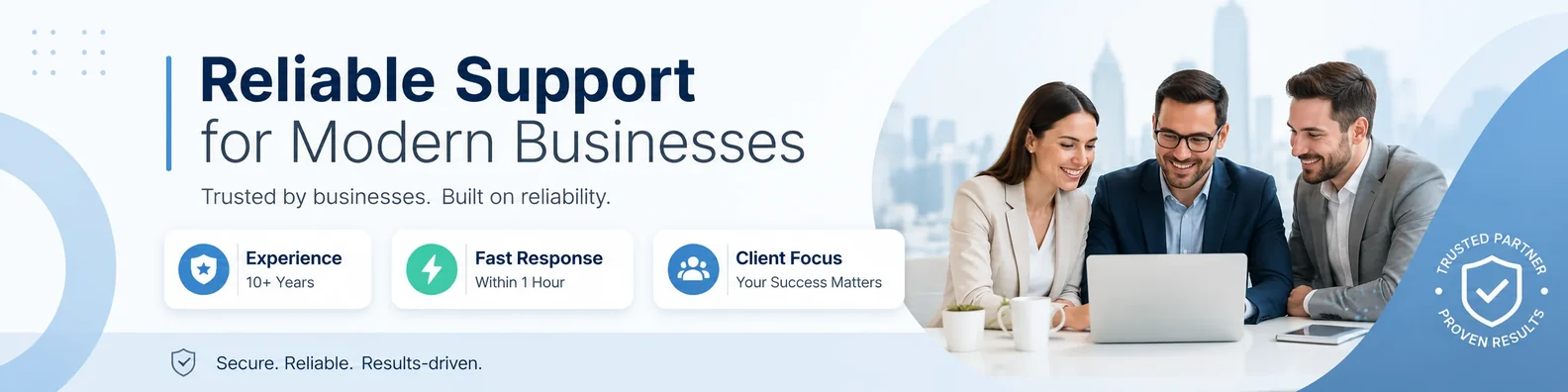
Small icons can communicate credibility quickly. Use simple visual badges for experience, support, strategy, delivery, or client service. This style works well when you want a clean business feel.
Design tip: Do not use fake awards or unsupported claims.
11. Product or offer banner
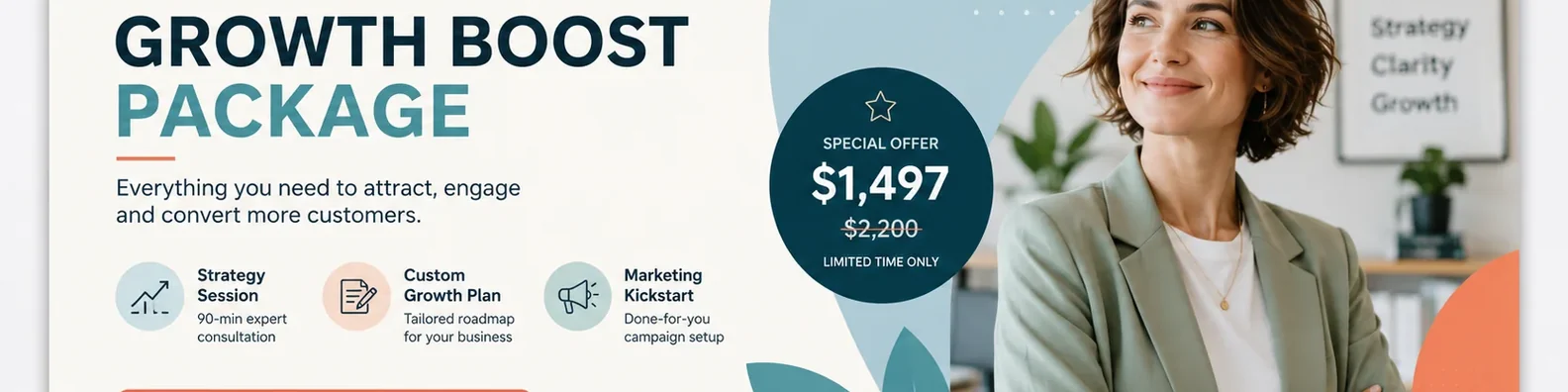
A LinkedIn banner can promote one specific product, course, book, service package, or campaign. This is useful when you want your profile to support a launch or limited-time offer.
Design tip: Feature one offer only so the message stays clear.
12. Corporate minimal cover
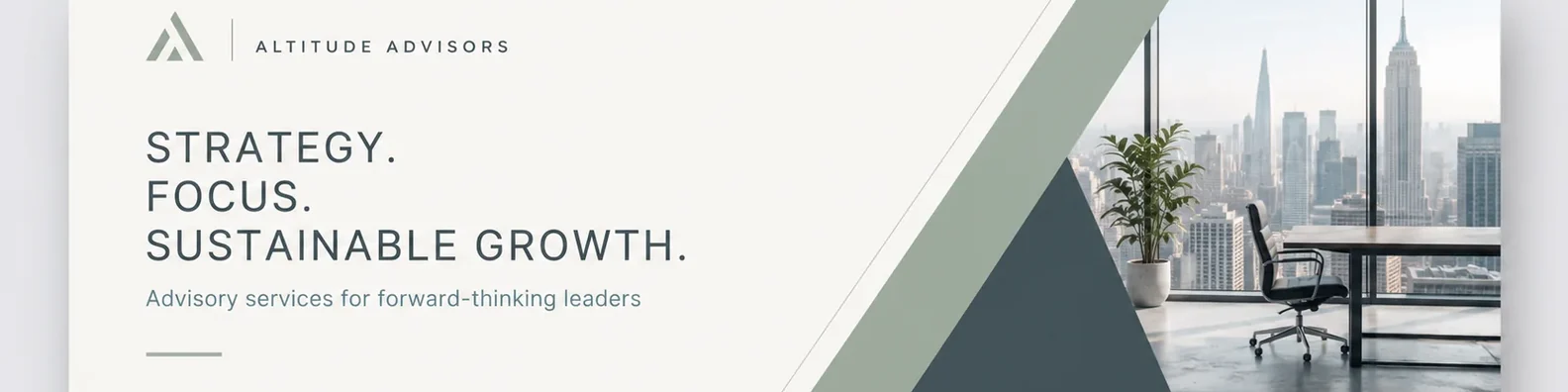
A minimal business cover with your logo, tagline, and brand colors can look very professional. This is a good choice for executives, corporate teams, and established service providers.
Design tip: Simple does not mean empty. Use spacing, contrast, and hierarchy to make it feel designed.
How to make this style work on LinkedIn
No matter which idea you choose, keep the design simple enough to read at a glance. Avoid placing important text close to the edges because LinkedIn can crop banners differently on desktop and mobile. Use strong contrast between the text and background, and keep your main message short. If you include a logo, website, or call to action, make it secondary to the main headline.
It is also worth checking your banner after uploading it. Open your profile on desktop and mobile to make sure the important parts are still visible. A design can look perfect in a design file but feel too tight once it appears inside LinkedIn.
Final thoughts
The best business LinkedIn cover photo makes your profile easier to understand. It should communicate what you do, who you help, and why someone should trust you.
If you want a cover photo that matches your brand and fits the LinkedIn layout properly, a custom design can help you turn this space into a useful part of your profile instead of leaving it blank or generic.